Browser-native · MCP-ready
this.poc.rocks
A toolbox of browser-side apps for creators and the agents that work alongside them.
Nothing uploads. Nothing tracks. Seven tools also speak MCP.
0
apps
0
tools
0
converters
0
on the MCP
0
uploads
01 · APPS
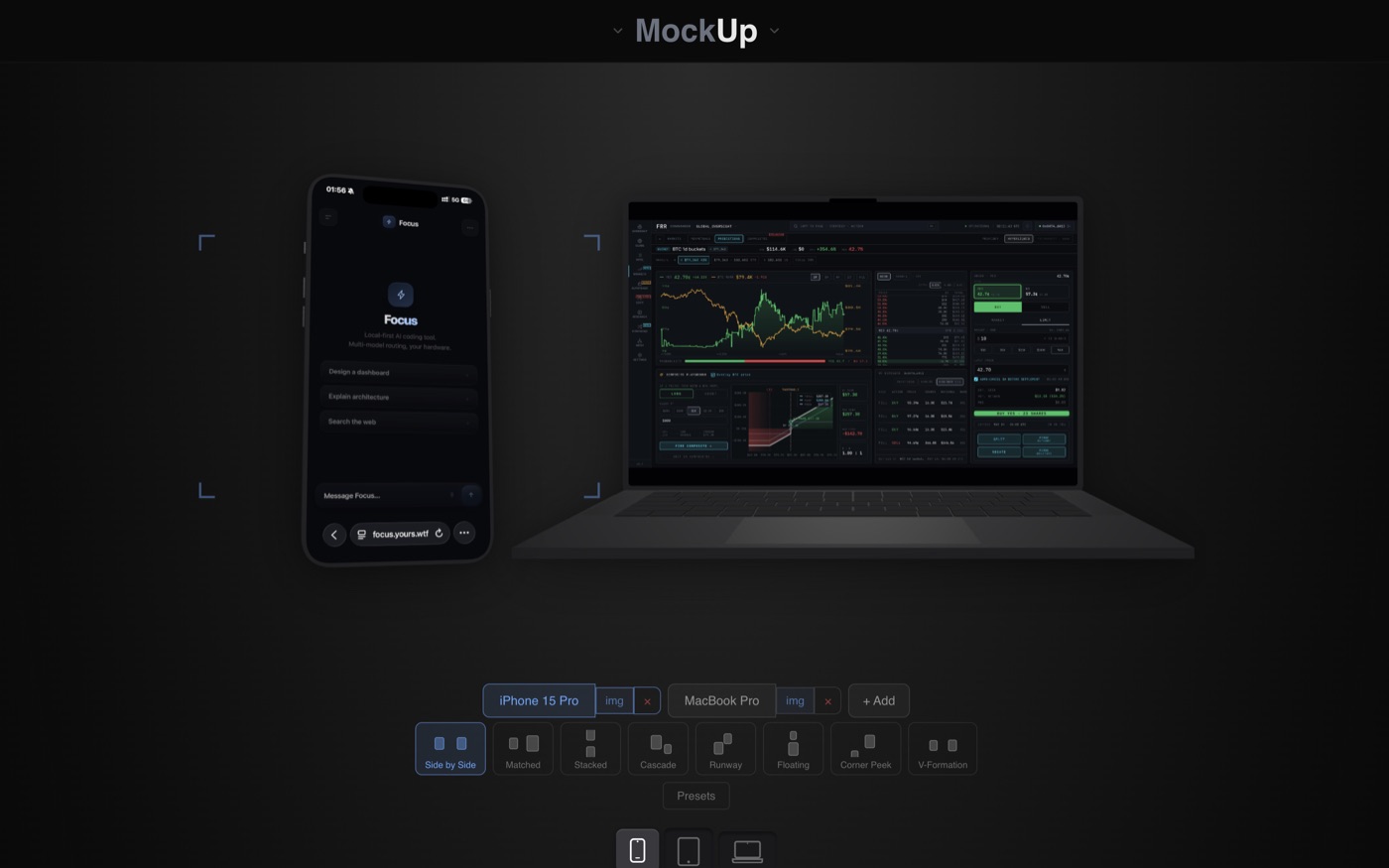
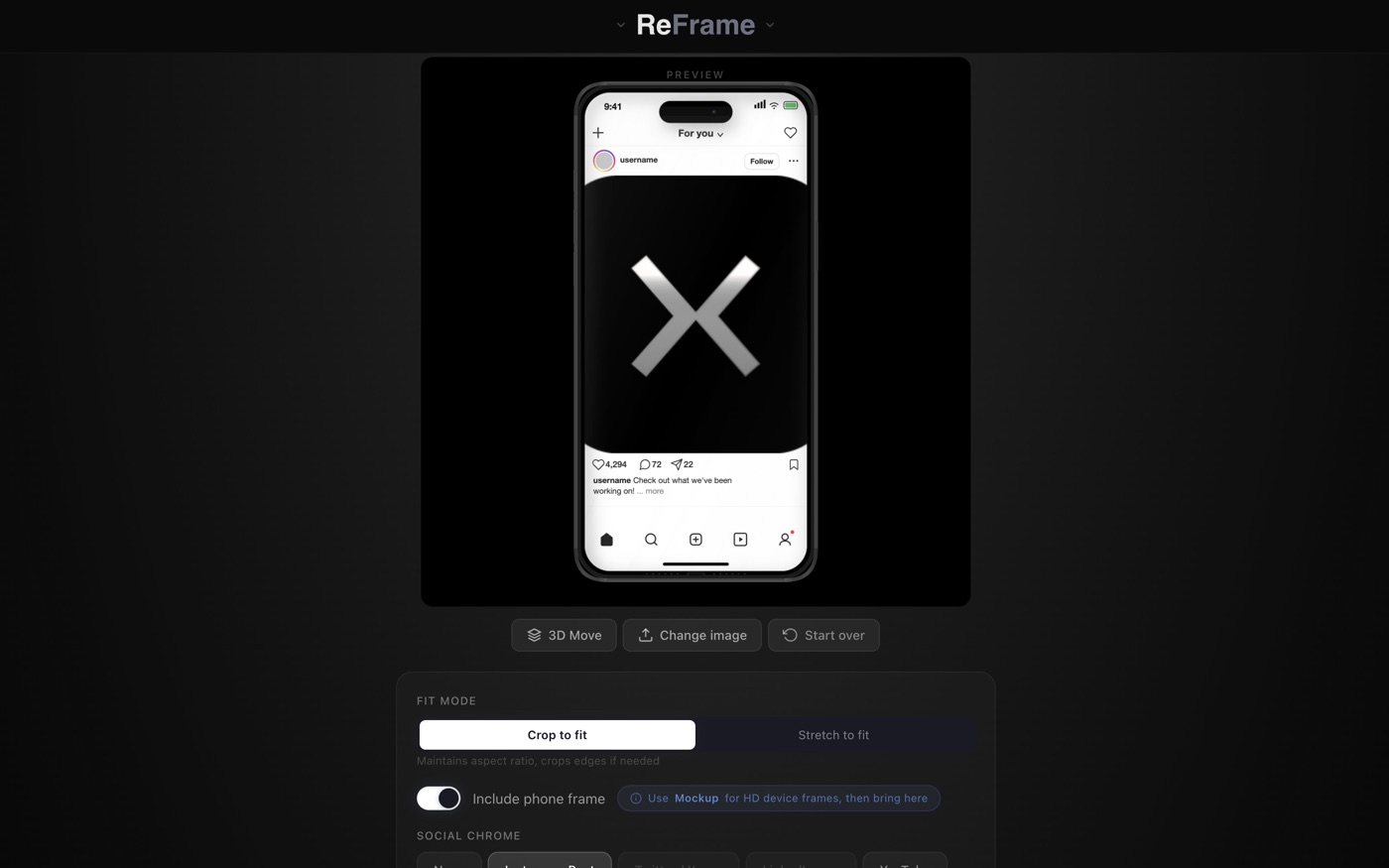
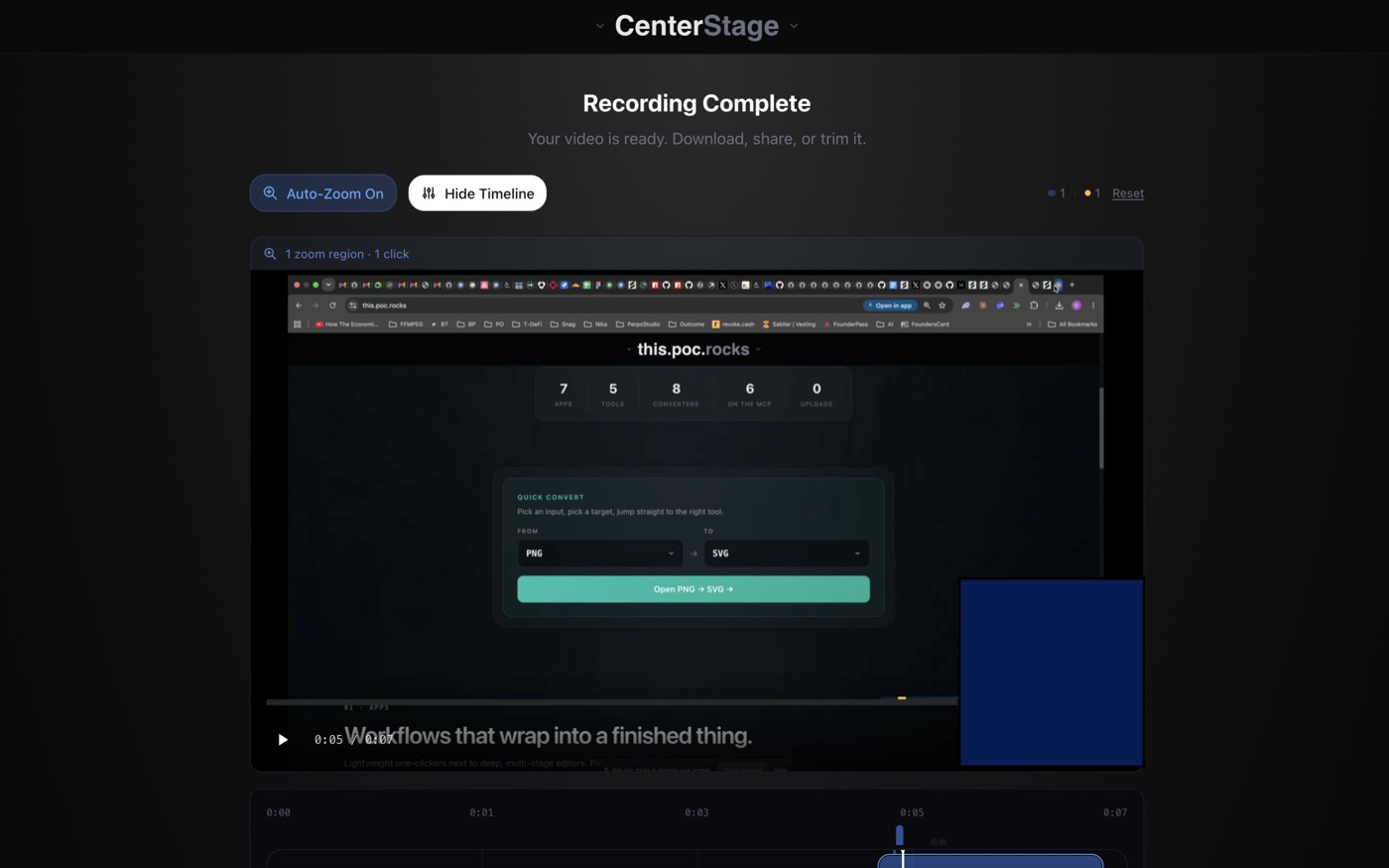
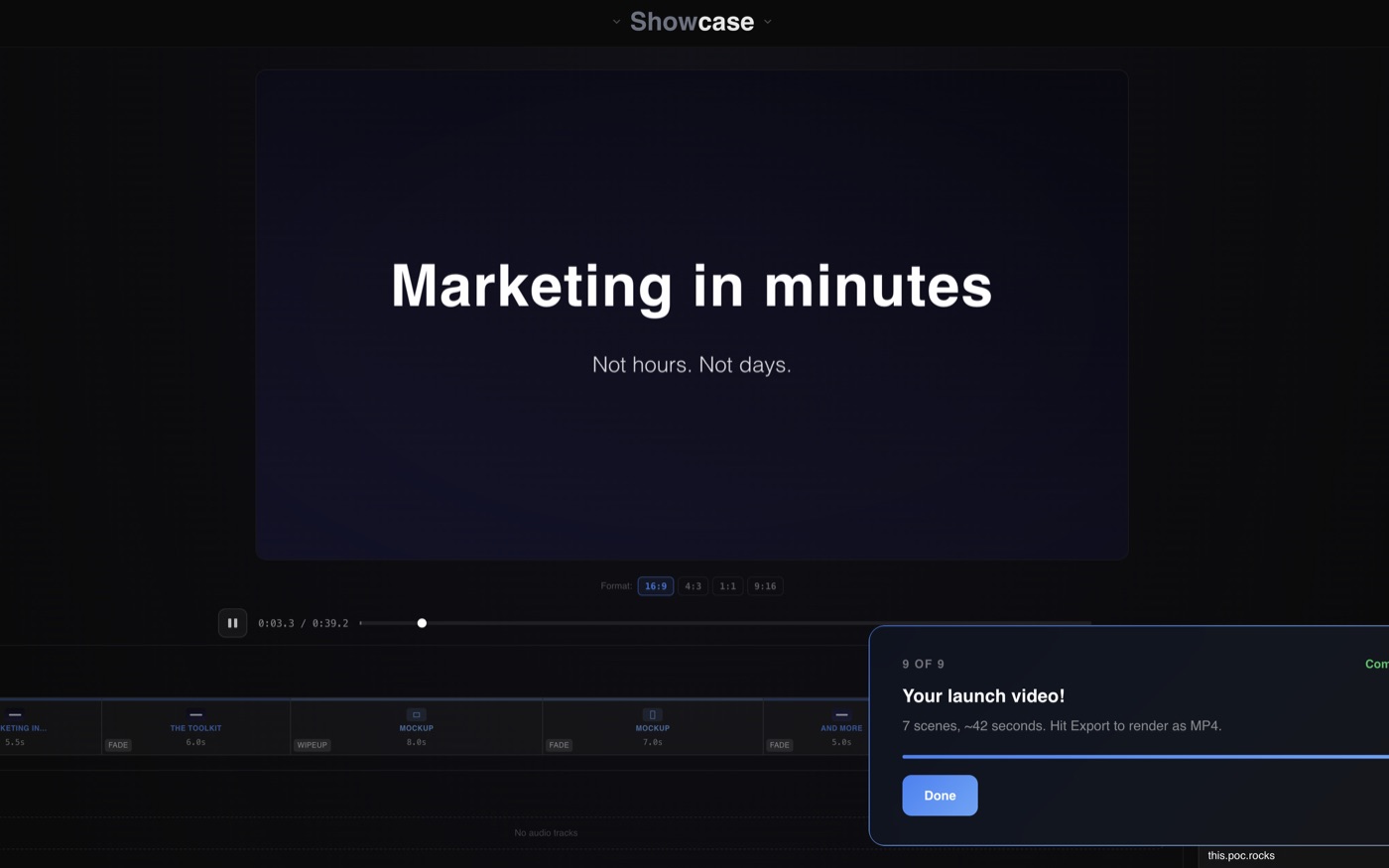
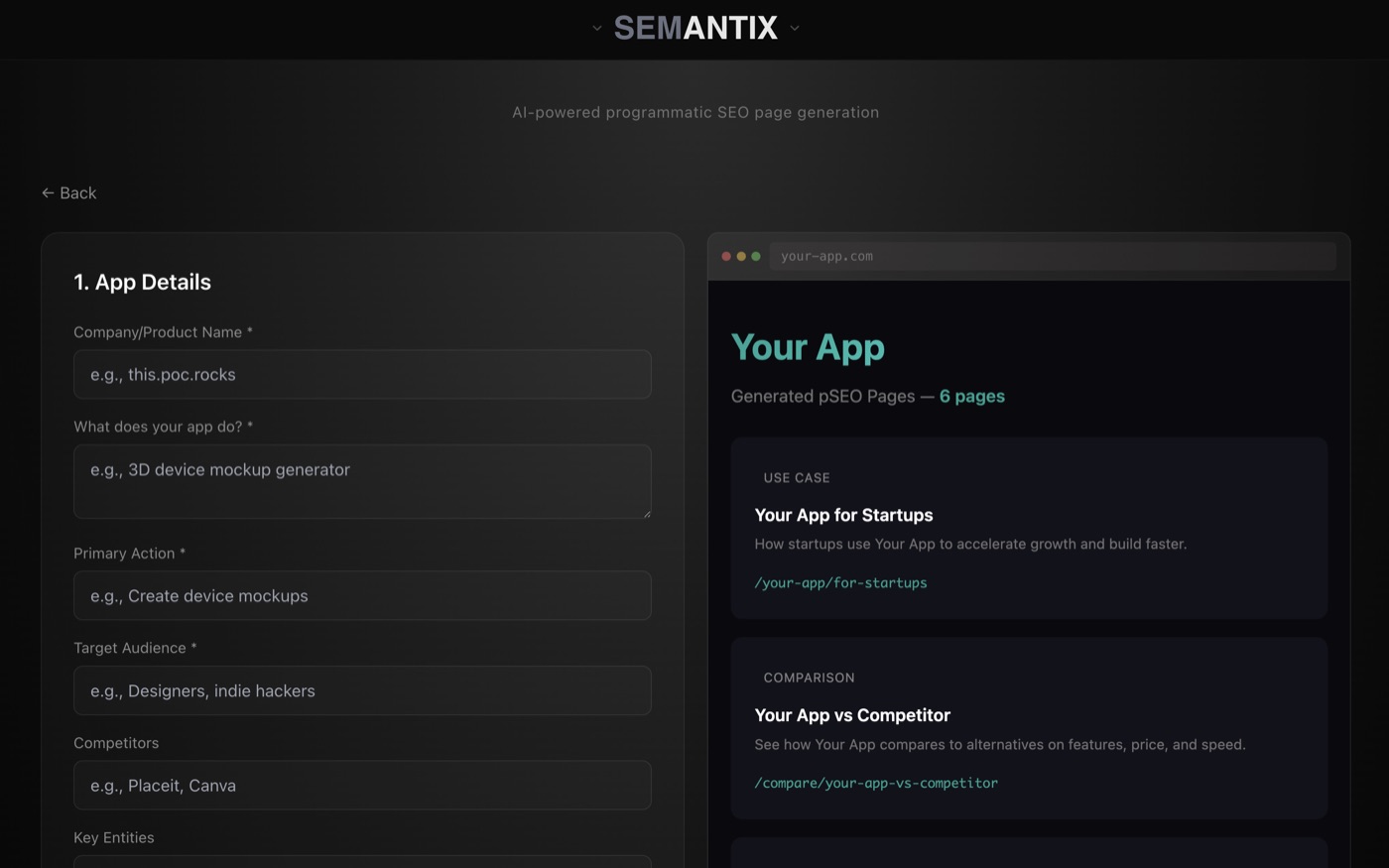
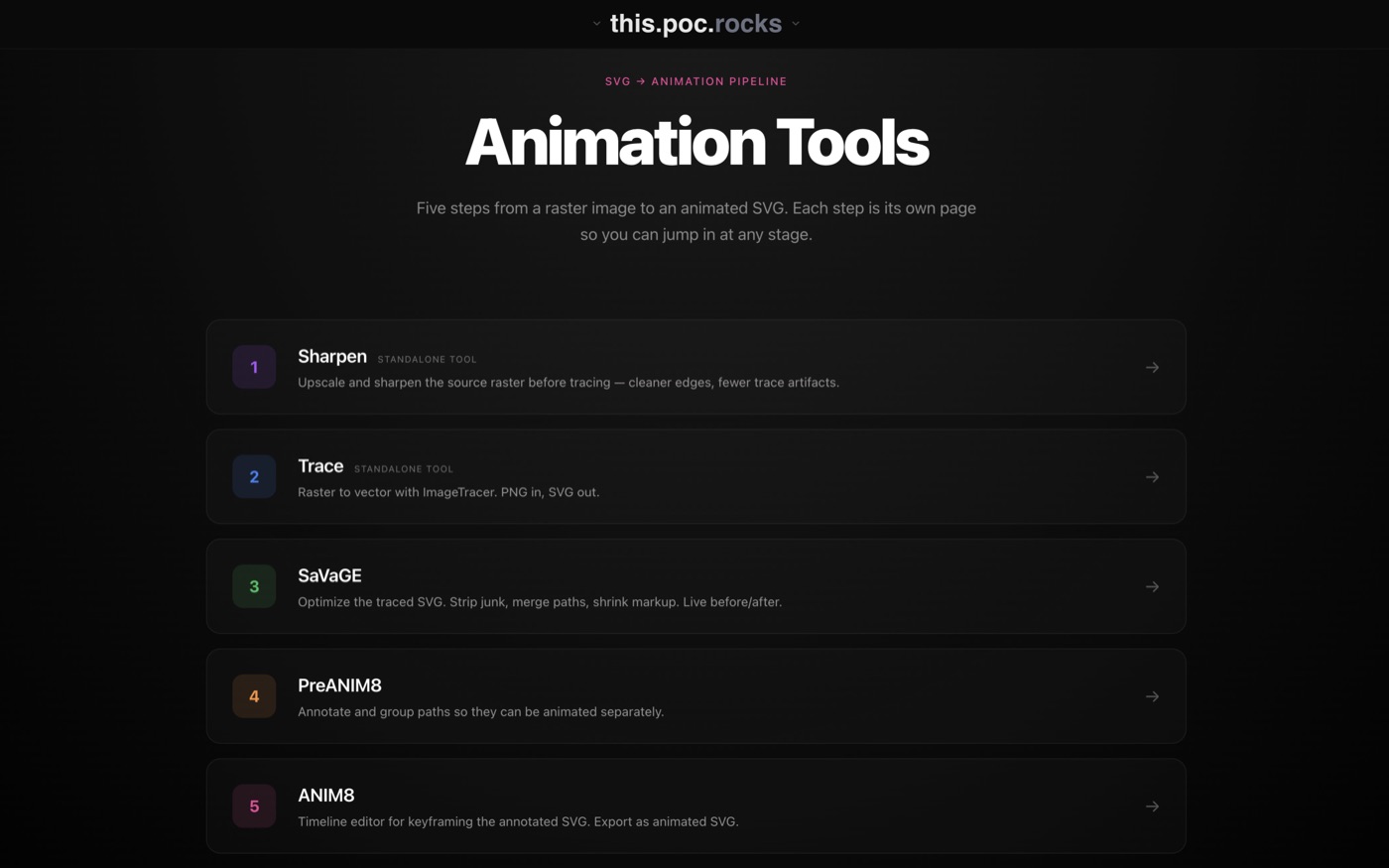
Workflows that wrap into a finished thing.
Lightweight one-clickers next to deep, multi-stage editors. Pick a shape, leave with an artifact.
02 · TOOLS
One job. Zero setup.
A focused utility per task. Drag a file in, get a result back. Three of these also live on the MCP.
03 · CONVERTERS
File in. File out.
Browser-side transformations across image, video, and document formats. Free, no rate limit, no upload.
Images
Documents
MDPDF
MCPMD → PDF
Renders Mermaid diagrams inline.
HTMLMD
MCPHTML → MD
Clean Markdown from any HTML.
PDFPNGs
PDF → PNG
Rasterize pages at any DPI.
PDFMD
PDF → MD
Extract Markdown from a PDF.
PDFDOCX
PDF → DOCX
Editable Word document from a PDF.
MDDOCX
MD → DOCX
Markdown into an editable Word file.
DOCXMD
DOCX → MD
Clean Markdown out of a Word file.
DOCXPDF
DOCX → PDF
Print-ready PDF from a Word file.